This week I joined in with ITRTs Jamie Mullenaux (@JamieMullenaux) and Jen Hicks (@jenhicks) to provide personalized PD for Early Childhood Special Education (ECSE) teachers in our district.
Training was limited to an hour and fifteen minutes, so our challenge was to provide personalized PD in a limited amount of time. We knew there were varying numbers of available hardware in each class (iPads, SMART Boards, and SMART Tables), but we weren't sure who had what or which area they wanted more training. We decided to offer time for conversation, learning, and reflection as shown below:
We offered three stations focused on creative uses for iPads, SMART Boards, and SMART Tables, allowing teachers to choose the training they wanted to receive. We prepared digital guides for each session along with targeted questions to encourage active participation.
Our introductory conversations showed that many were comfortable using basic apps on the iPad, but were looking to learn how to use SMART Boards and SMART Tables. We still offered three stations, but found that providing flexibility for teachers to choose what interested them most made the greatest impact on learning.
As teachers interacted with the SMART Board and SMART Tables, they shared ideas for implementation, including which features they thought would be most appropriate for their PreK students. They also shared suggestions for troubleshooting common issues such as editing templates from the SMART Exchange and moving the SMART Table for naptime.
It was great to have all the ECSE teachers together to share in the learning experience! A special thanks to Solita Wilson for allowing us to use her classroom for training. We learned quite a bit in such a short amount of time!
Sharing thoughts and experiences with technology integration in the elementary classroom.
Friday, April 22, 2016
Tuesday, April 19, 2016
First Writing EdCamp
Last week I was invited by a fellow ITRT to attend the first ever EdCamp hosted by our district. It was organized by ELA curriculum coordinator, Tami Slater (@tami_slater) in collaboration with ITRTs Casey Nugent (@edtechdonuts) and Heather Causey (@hcausey). Even though the event was geared specifically for high school English teachers, I joined in the fun because I am always looking for ways to improve my own writing as well as strategies to support my beginning writers at the elementary level.
The morning was spent grading essays with the afternoons set up for an open sharing time of various topics. Each "room" was labeled after a famous writer, set up as tables across the cafeteria to allow for convenient movement between sessions.
Each session included a hyperlinked Google Doc for convenient sharing and note-taking. Teachers chose which session they wanted to attend, carrying laptops with them for each rotation. I definitely was the "odd man out" being an elementary-focused educator, but I enjoyed listening to the teachers share their struggles and successes.
Some great sites that were shared included Moving Writers and Storybird for motivating struggling writers. Other sites such as Canva and Piktochart were discussed for students to use in creating infographics. Grammarly was another hot topic for editing and grammar reteaching. We loved how it not only told us what to correct and how, but it also described in detail why we needed to correct our errors. Talk about empowering! Our only wish is that is synced with Google Docs! (Yes, we know we can copy/paste into the Grammarly website, but an automatic analysis would be such a gift!)
I loved listening to the teachers share their ideas of how to run writing stations in their classrooms- so inspiring! From having students rotate from one station to the next crafting a single story or individual stations to reinforce vocabulary and digital writing, it was clear that our teachers are looking for creative ways to engage our students with writing.
I left this EdCamp excited to share this PD concept with teachers in my building as well as the resources described. My hope is that this EdCamp structure grows to the point where we can have multiple EdCamps across the district focused on meaningful conversations as teachers continue to learn and grow!
Monday, March 14, 2016
Pi Day 2016
For the past month, our 5/6 compacted math students have been researching the concept of Pi and preparing collaborative presentations to showcase all they've learned. From the origins of Pi to the history of Pi Day, even with corny jokes in-between. Each group created a ten slide Google Slides presentation and honed their public speaking skills as they presented to the class.
Today, March 14, is the official "Pi Day" celebration across the world (math geeks unite!) For those who confuse pi with pie, you will definitely want to peek at our student presentations to learn more.
Ms. Brockel, our GT teacher, is such a wonderful addition to our staff as she guides students throughout the year with enrichment projects. She invited me to their class today for a final wrap-up of presentations, then surprised me with a gift and a card signed by all the students, thanking me for my assistance with their project. I was completely surprised by their thoughtfulness!
When I opened the gift, I was speechless - Ms. Brockel and her class had purchased me my very own Pi Day shirt (in my favorite color!) JOY!!
The class was fully engaged in various Pi-themed activities, from online scavenger hunts using the iPad to making a paper chain of Pi (which, at some point, had to come to an end even though the number itself is endless!)
| Online Pi Scavenger Hunt |
| Counting the digits in Pi |
| The Pi link is growing longer! |
And what Pi celebration would be complete without examples of pie?
Today I was reminded of the JOY we can experience in the classroom when we allow our curriculum to align with our passions. I'm so proud of all the hard work our students have done with their projects - click here to see their presentations!
Friday, March 11, 2016
Passion Projects
What an amazing week!
This Wednesday I presented a session at the EdTech Conference held at VCU in Richmond, VA titled "Bring JOY to the Classroom with Passion Projects" where I showcased passion projects of first graders in my school. (For my presentation link, and more information about passion projects, click here.)
The session went well, with lots of laughter and joy scattered about (thanks to everyone who tweeted out comments on #edtechrva - you ROCK!) I loved learning more about the passions of the session participants (shown on this Padlet) then sharing the passions of our students. When the session ended, many participants stayed behind to continue the conversation and ask more questions which was great!
Just this week, I noticed another class diving into passion projects, with a random act of kindness theme:
Of COURSE, I wanted to sponsor a student! What a wonderful project that would have a direct impact on others! I contacted the teacher on Twitter for a mailing address, then stopped by Walmart to pick up a couple pair of socks. Today, after the conference I put passion projects into motion as I mailed off my contribution.
It brings such joy to my soul to know that young people are investing their time and creativity into helping others. What a divine purpose indeed! I'm also thankful for teachers like Mr. Leonard who recognize the power and potential of embracing young students' passions.
A shout-out to all the fantastic people who helped organize and facilitate this year's EdTech conference! Thanks to your hard work, educators such myself can learn, grow, and share the wonderful things we are doing in and out of the classroom! Kudos!
Monday, February 29, 2016
Tech Take-Out
In our job as ITRTs, our main purpose is to meet the on-demand technology integration needs of our students, teachers and administrators. Often this translates to professional development or lesson collaboration in the classroom.
What about other district personnel at the school board office?
Superintendent. Director. Curriculum Specialist. Secretary. Where is their technology training?
We've rolled out several new initiatives this year, most specifically Google Apps for Education (GAFE), which is quickly redefining our structure of work efficiency. While much of our summer and fall was focused on preparing and delivering instructional support for our front-line faculty and staff, we realized there was a need to expand our training to other vital roles in our district.
Welcome to HCPS Tech Take-Out.
The concept, inspired by our friends in Henrico County Public Schools, is simple: Create a list of training options that people could select, similar to ordering off a take-out menu, then provide what was ordered. We decided to take it one step further - we didn't just let school board office employees choose anything off the menu... we let them create the menu themselves. If they didn't see an option they wanted from our small list, they could add their own item.
When was the last time someone asked you what you wanted to learn about? In educational circles, we call this Personalized PD, but to offer this form of training to those who specialized in other aspects of education (i.e. data specialists, programmers, business managers) was something we had never done in our district. Would our Tech Take-Out be a blast or a bust?
We began with a Google Form for personnel to complete, then we assigned trainings based on request. Some people wanted training with Microsoft products. Some wanted Google. Some just needed to know how to access their email from home. The requests varied from simple to complex across a spectrum of topics. Our team of ten got to work scheduling sessions and organizing details so that each person's request would be met.
Best of all? Not one person had to leave the school board office.
Tech Take-Out came to them.
We met in conference rooms, individual offices and even hallways. Some sessions were one-to-one, others were formal presentations. The trainings lasted from thirty minutes to two hours, all focused on meeting the specific needs of each individual in attendance.
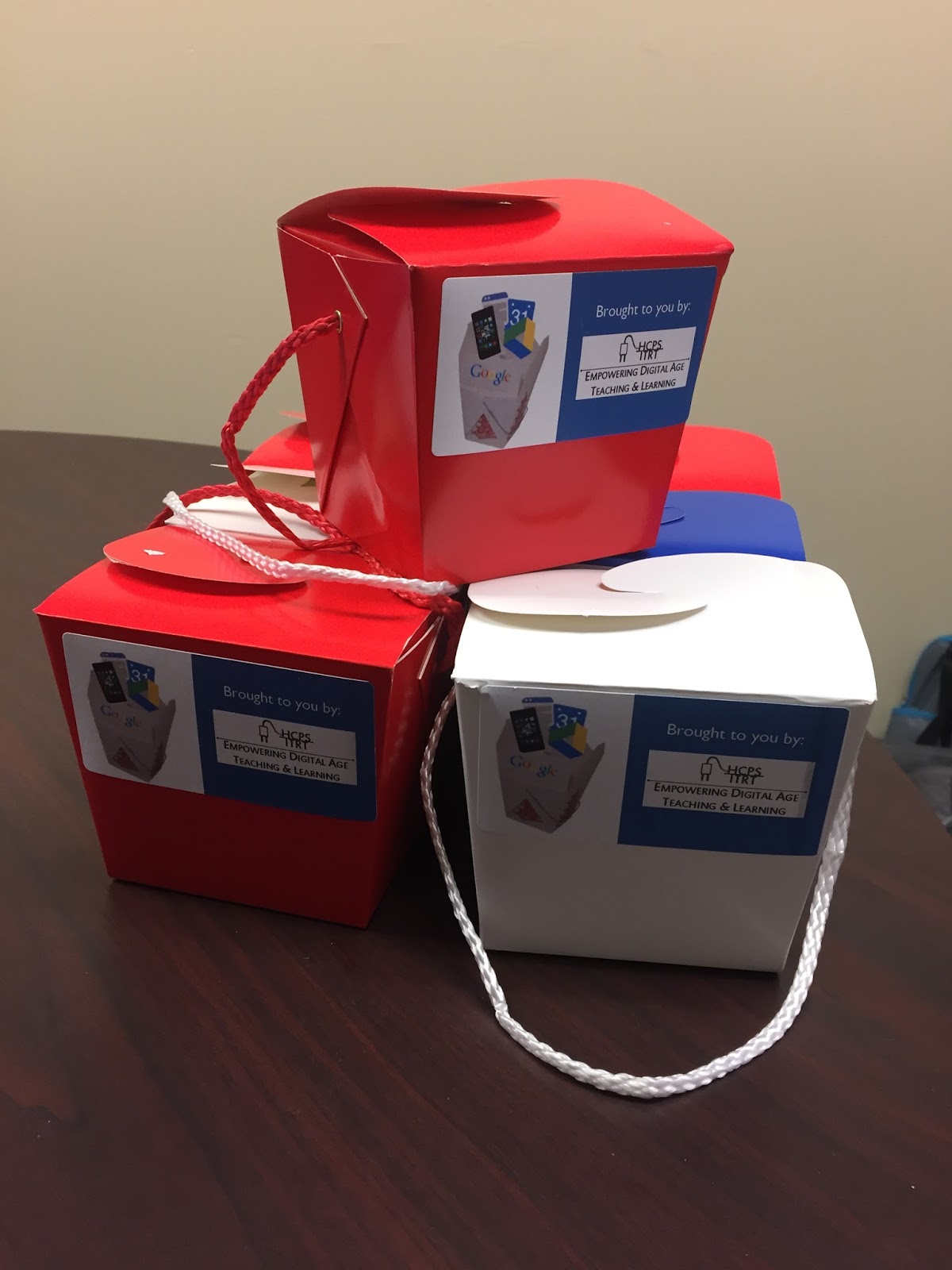
At the end of each session, we provided each participant with a Tech Take-Out container which included technology themed novelties such as Nerds and Smarties. We even include handmade fortune cookies with tech-related fortunes.
"It does not matter how slowly you go as long as you do not stop"
~ Confucius
For my Twitter trainings, I made Twitter bird cookies using a cookie cutter designed by students at Chantilly High School that was printed from a 3D printer.
The responses we received were overwhelmingly favorable; the school board office employees were very appreciative of our time and expertise. Tech Take-Out was such a success, we plan to offer it again in the future!
If you would like more information in how to implement your own version of Tech Take-Out in your school or district, contact me through Twitter (@HCPSTinyTech) or email (tletter@hcps.us). We all learn better when we learn together!
Saturday, February 6, 2016
A Week's Worth of Fun
This week was our first full week of classes following our unexpected snowstorm that resulted in more than a foot of snow in our district - a rare sight to see! We missed four and a half days of school, returning for a day and a half then back home again for the weekend. On Monday I braced myself for lesson cancellations, expecting emails from stressed teachers feeling the pressure to prepare for testing instead of providing opportunities for tech.
I was delightfully surprised - No cancellations!
In Ms. Candler's fifth grade art class, students used the Doodle Buddy app to create product logos. It was inspiring to see how the students layered the different colors and shapes to achieve their final products.
Several fourth grade classes began researching the Coastal Plain region for a presentation project using Google Slides. Students were placed in collaborative groups of four to create ten slides filled with informational tidbits, vivid images, and fun facts galore. They started this week's session by collaboratively choosing a themed template. It was inspiring to listen to all the different ways they shared their opinions and compromised on one choice. When the projects are completed (in about two weeks), the students will exchange their presentations with students in Staunton City Schools, providing an authentic audience for writing and composing. They will also have an opportunity to leave comments on individual slides to enhance their learning and communication skills.
Ms. Heizer and Ms. Joyner's third graders created stories using Google Docs in writing rotations, while I completed brief writing conferences, capturing my notes through a Google Form. (If you want to see a copy of my Form, click here!) One gal composed three complete pages about her best friend while another student described her recent gymnastics meet. I love learning more about our students and helping them learn and grow as writers!
Ms. Joyner's students also practiced mathematical problem solving skills using the EdPuzzle website. This site is awesome! You select instructional videos for students to watch, but overlay your own questions and answers for checkpoints (a great tool for flipped classrooms and any content area that can benefit from a spiral-back review!) I accessed student answers on my phone while they were completing the questions, which allowed me to reteach content right in the moment. Students already knew if they mastered the content by the green/red color coding and self-correcting answers. (If you want to use my videos, just create an Edpuzzle account for free and search "Tamara Letter" in the search bar to add my screencasts to your account!)
Mrs. Brockel's class continued working on their collaborative presentations for Pi Day in March. They made so much progress that we moved our group meetings up a week so they could have a quick face-to-face check-in to identify incomplete tasks and create an action plan for completion.
Ms. Miller's students began finalizing their cross-discipline art/social studies project this week as well. Students used construction paper and symmetry to simulate a food chain of one animal being eaten by another, then wrote haikus to describe their artwork. We took digital photos of their food chains, imported them into the ChatterPix Kids app, then students recorded themselves reading their haikus. Click here to see a sample finished project!
Teachers were also busy this week, recording chapters for our One School One Book program that will begin next week. Students will be able to listen to chapters at school and at home thanks to the sharing power of Google Drive!
In addition to a week filled with lessons, tech trainings, and collaboration, our team welcomed a new ITRT, Mrs. Elizabeth Verlander, and successfully completed all tasks on our weekly agenda - the third week in a row! This was a definite #flyhighfri for our team - ending the week with JOY!
Needless to say, it was a fun-filled, jam-packed week. I wouldn't have it any other way!
Looking forward to an awesome week ahead with new opportunities to inspire students and teachers alike. Make sure to check back soon to find out more about our Tech Take-Out PD sessions at our district's school board office on Monday!
Wednesday, January 13, 2016
Seesaw Success
"Are we going to save our voice when we read today?"
"Do we get to draw again?"
"How many pictures can I take with my iPad this week?"
These are just a few questions I hear when I walk into Ms. Feighner's kindergarten class with a wagon filled with iPads. The past few weeks we've been using the Seesaw app (iOS/Google Play) to enhance work done in reading rotations. Last week students used the iPad to photograph their book covers then record themselves reading the story for a fluency record. For many, this was the first time they had ever heard their voice played back on a digital device!
This week students explored the drawing section of Seesaw. We talked about characters and setting, distinguishing between the two, then students drew pictures on the iPad of a setting that might be found in a story. Several students included characters in their drawings, too! After creating their artwork, students recorded a description of the picture they drew.
The best part of Seesaw is that students can share their work with their teacher and classmates by adding their name and uploading to their Seesaw class. Now everyone can learn from each other!
Students can "like" and leave comments for each other, too! We are excited to use this tool in our learning and are excited to explore the digital writing options next week!
Subscribe to:
Posts (Atom)